
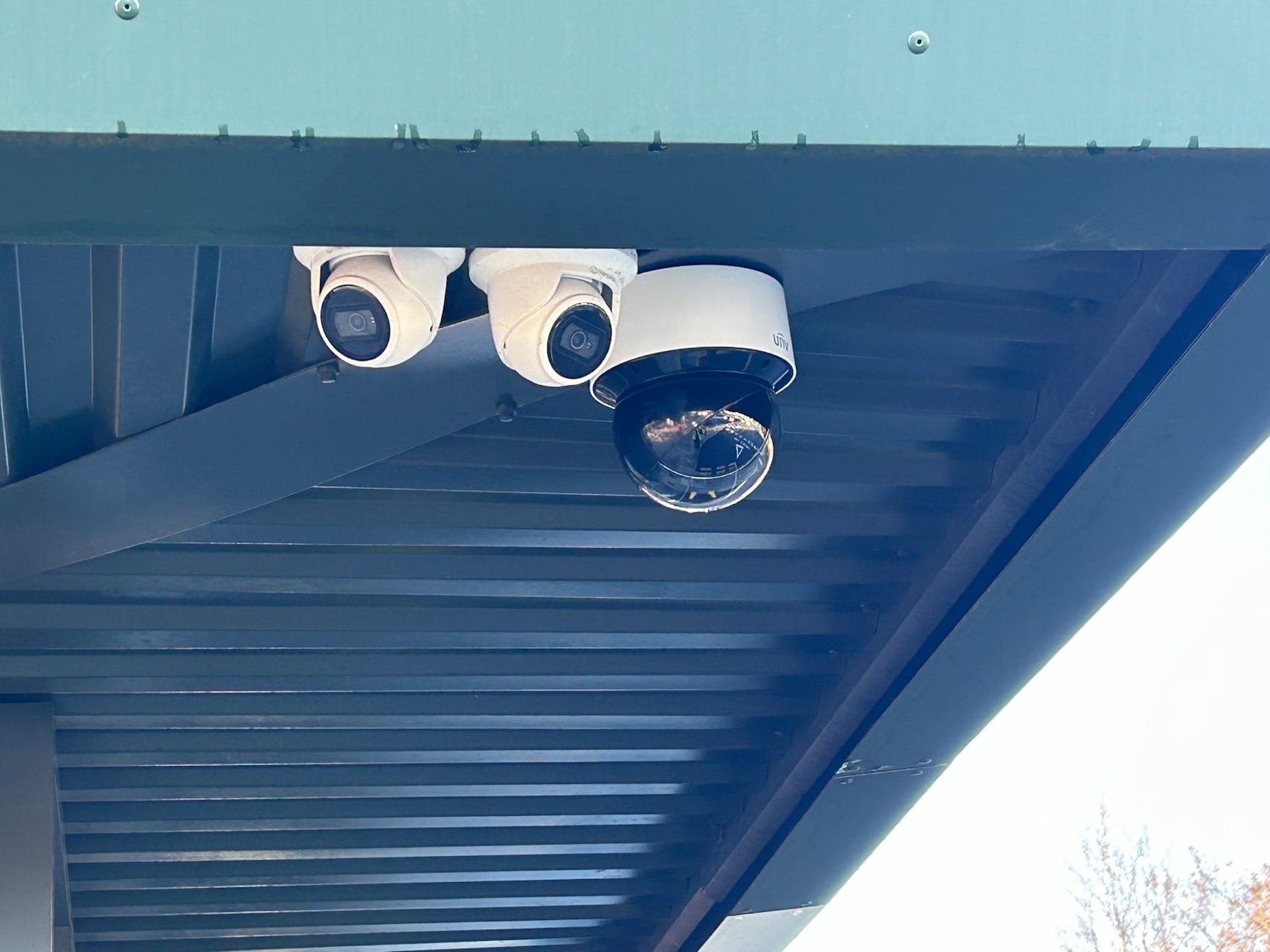
Commercial CCTV
Commercial CCTV that records what you will actually need to see
Camera positions, recorder capacity and viewing access designed around your premises, your staff and the footage you may one day have to hand over. SSAIB-registered installer, established 2007.
- SSAIB registered installer
- Free site survey
Looking for home security? View residential security
Industry-leading technology














Most CCTV problems show up after the incident
Very few businesses have too few cameras. What they have is footage that does not help when it matters: a face too small to recognise, a view washed out by low sun at the loading bay, a recorder that overwrote last week’s incident, or nobody who knows how to export a clip. We design commercial CCTV for premises across Stevenage, Hertfordshire, London and Essex backwards from that moment. What will you need to see, and how quickly can you get to it?
A shop, an office, a school and a small factory all need different things. A camera at the till has to identify a person. A car park camera may only need to show what happened and roughly who was involved. A yard or perimeter needs cameras that cope with darkness and weather. Repeating one camera type across the whole site is how systems end up disappointing.
That is why every commercial job starts with a site survey. We walk the premises, note the entrances, lighting, ceiling heights, cable routes and the rooms you care about most, and design coverage around them. You then get a written specification showing what each camera is there to do.
Remote viewing
CCTV monitoring apps
Your cameras are viewed through the manufacturer's own app. Choose your system's brand to see its app and download it.

DMSS
by Dahua
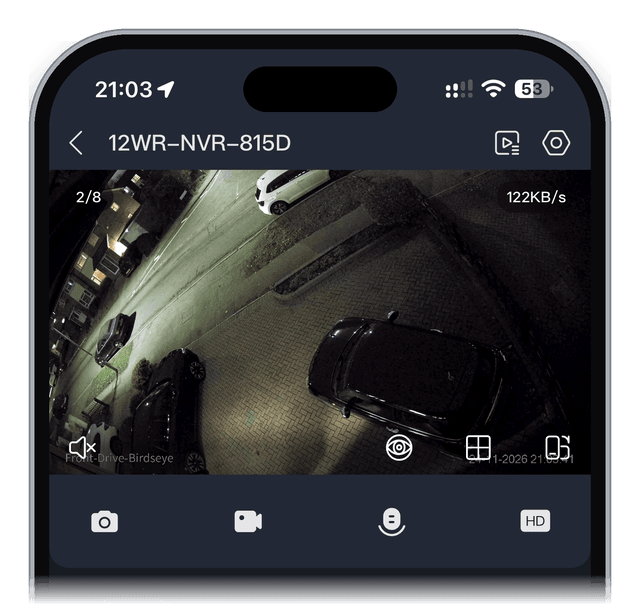
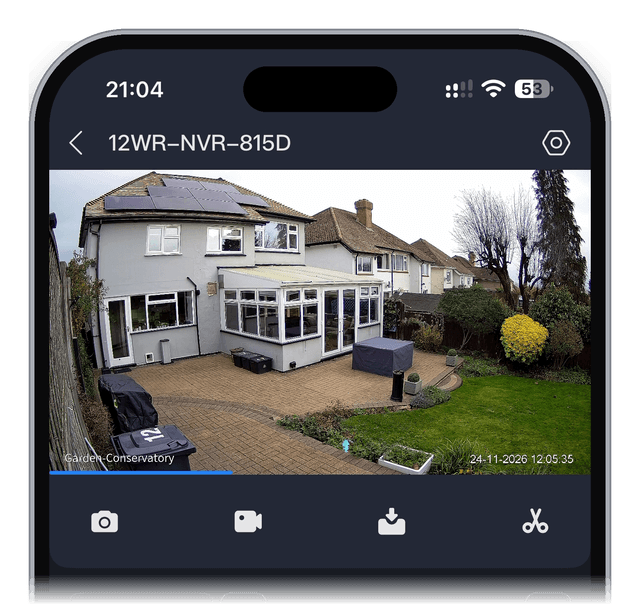
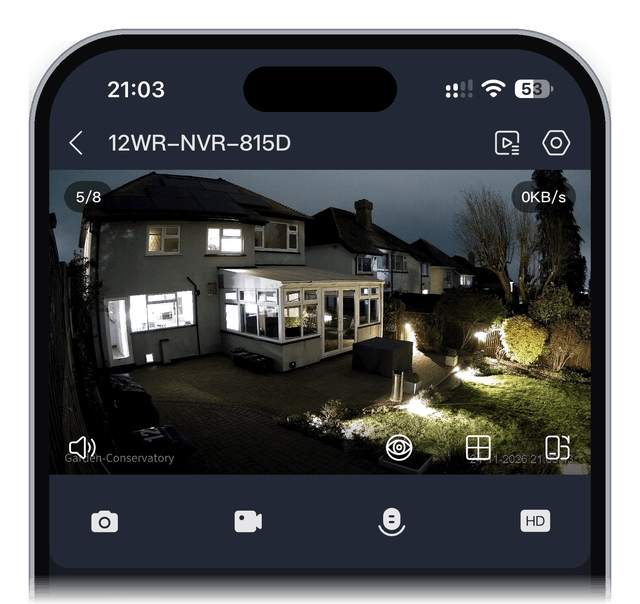
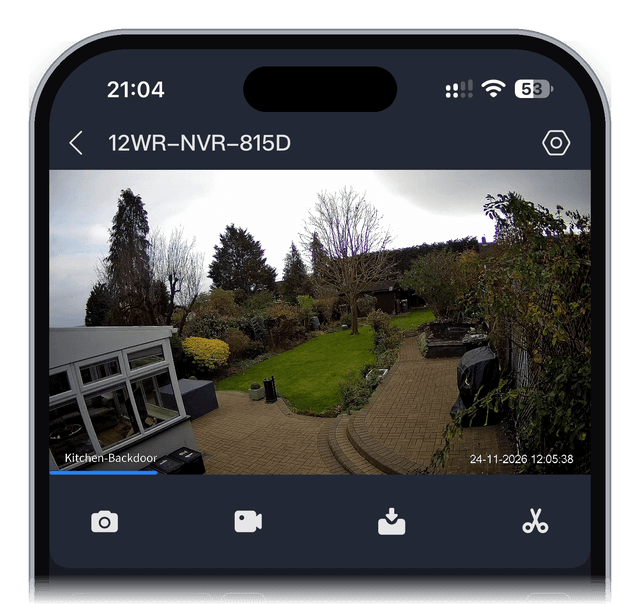
Dahua's app for your cameras, over Wi-Fi or mobile data. Watch live video, find recordings by date or event and get an instant notification when an alarm event happens.
- Live view from anywhere
- Playback by date or event
- Instant alarm notifications
- Share access with others


See it in use
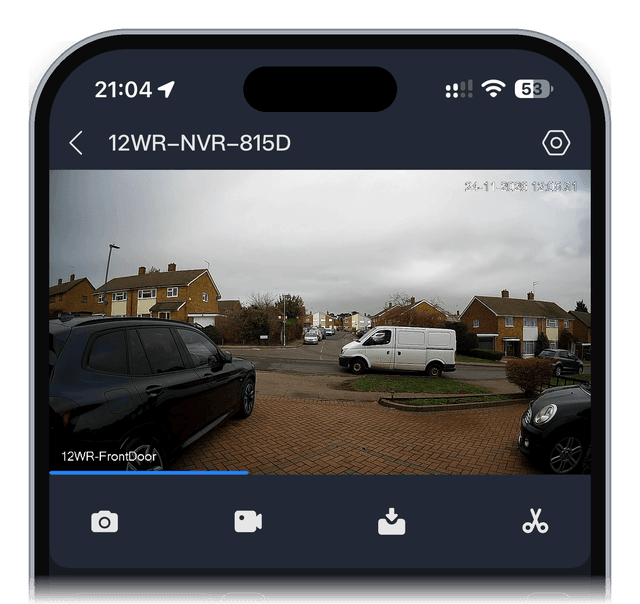
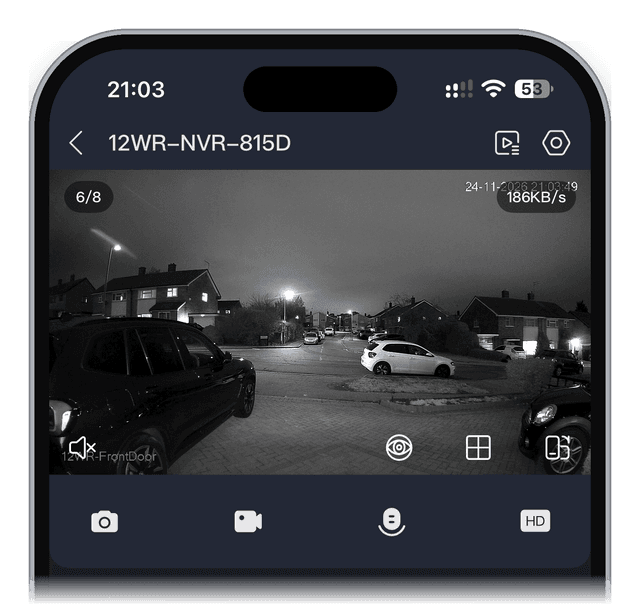
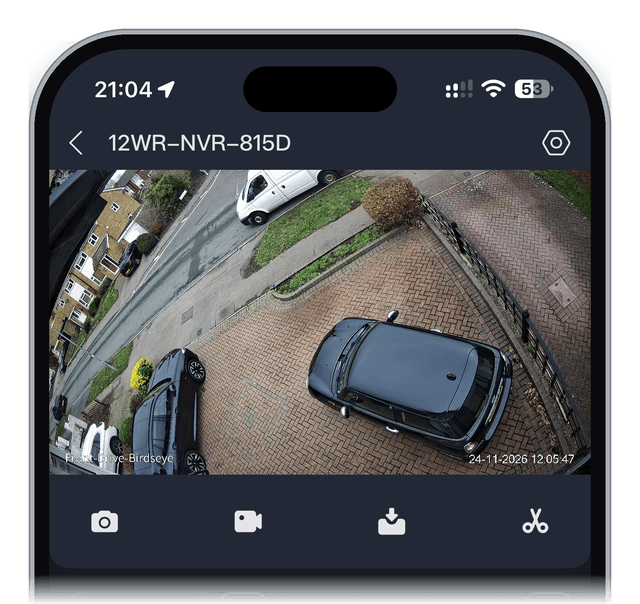
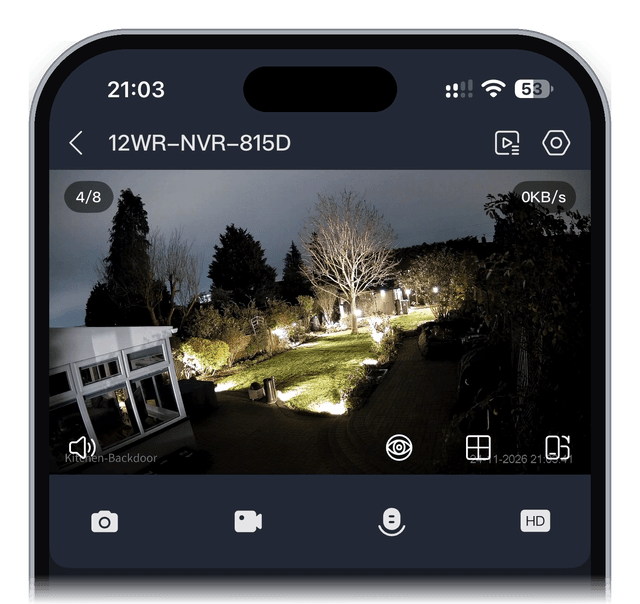
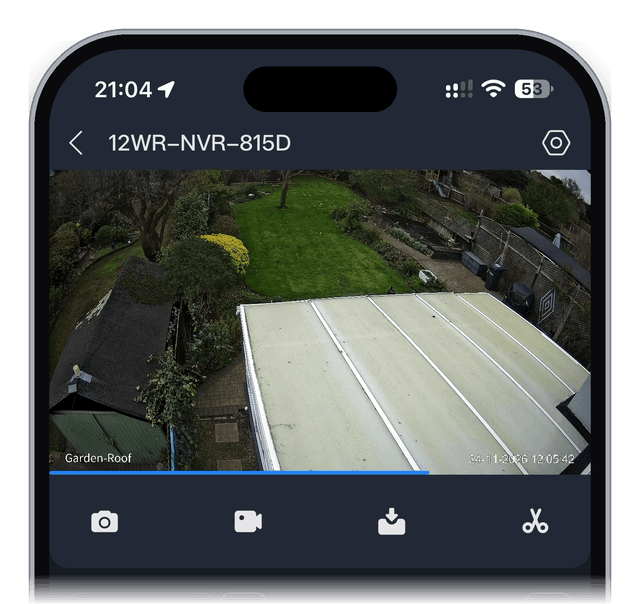
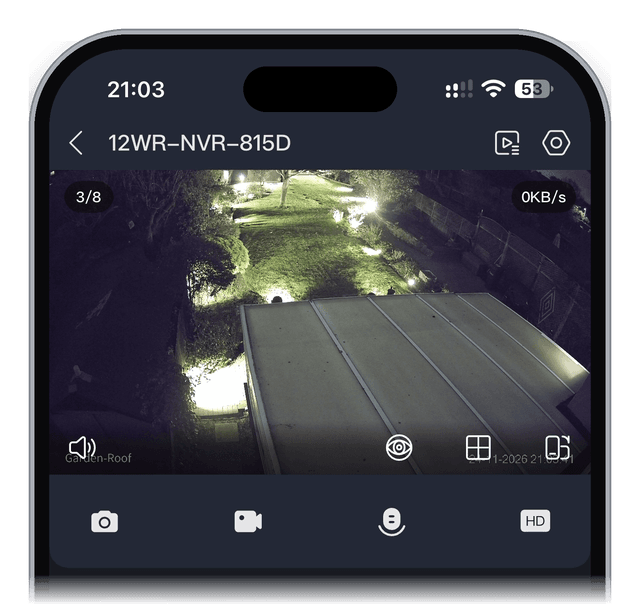
DMSS on a real installation
Camera 1 of 5. Swipe the phone or tap a number to change camera.
What goes into a properly designed commercial system
The right camera for each area
Domes suit reception and indoor areas, bullet cameras give a visible deterrent at entrances and perimeters, and each lens is chosen for the distance and width of view that spot needs.
Identification, not just observation
Entrances and tills usually need a close, well-lit view at face height. A wider view shows what happened, a tighter one shows who did it. Most premises need both.
Lighting and night-time performance
Low sun, headlights, shadows and dark corners all affect picture quality. We check how each area is lit at the times that matter and choose cameras and positions to suit.
Recorder capacity and retention
The number of cameras, the picture quality and how long you want to keep footage decide how much storage you need. We size the recorder for your retention period rather than leaving it to chance.
Cabling and network
Protected cable routes and a properly set up network keep cameras online. On busy premises this is where careless installations fail first, so we plan it before we fit anything.
Control over who sees the footage
Separate logins let a manager review and export footage while other staff can only watch live views. You decide who has which level of access.
Where cameras go and how they are used day to day
Entrances and reception
A clear view of everyone who comes in and goes out, positioned so faces are visible rather than the tops of heads, and so glass doors and sunlight do not wash out the picture.
Stockrooms and back of house
Stock areas, cash handling points and staff-only rooms are often where the real losses happen. Cameras here are placed to show who is in the room and what they are handling.
Car parks and loading areas
External cameras chosen for weather and low light, covering vehicles, deliveries and the routes people take between the building and their cars.
Tills and service counters
Close views of the counter and the person serving, so a disputed transaction or an incident at the till can be checked afterwards.
Several rooms and floors
Corridors, stairwells and shared areas covered so that movement between floors can be followed without dozens of overlapping cameras.
Several sites, one screen
Live and recorded footage from more than one location can be viewed from a phone, tablet or laptop, which suits owners and managers who cannot be everywhere.
CCTV and data protection
Businesses recording staff, customers or visitors have data protection obligations from the outset, regardless of what the cameras capture. That affects where cameras point, how long footage is kept, who can view it and how you tell people they are being recorded. It is much easier to build those decisions into the design than to fix them afterwards.
Some public-sector and sensitive sites are also restricted in where their camera equipment may come from. If that applies to you, tell us at the survey and we will specify accordingly.
This is general information, not legal advice specific to your premises. The ICO publishes guidance on CCTV for businesses, and you may want your own legal advice for a commercial installation.
How we work
From first survey to final handover
- 01
Survey the premises
We walk the site with whoever manages it, look at entrances, stockrooms, yards, lighting and cable routes, and ask what you would need to see after an incident.
- 02
Specification and quote
You receive a written specification showing every camera, its purpose and where the recorder sits, with a clear quote, so you can compare it or share it internally.
- 03
Installation around trading hours
We agree dates and working hours first, so the work fits around staff, customers and deliveries as far as the building allows.
- 04
Handover and training
We show your team how to view live footage, review an incident and export a clip, and we can maintain the system afterwards.
Recent CCTV installs
Reviews
What our customers say
01 / 03
“Excellent CCTV and alarm installation. Professional, reliable and highly recommended.”
Suleyman Gul
Enfield
What businesses ask us for
- Clear faces at entrances and tills
- Cameras for car parks and loading areas
- Stockroom and back-of-house coverage
- Enough storage for the footage you need to keep
- Control over who can view and export footage
- One view across several sites
- Live viewing on a phone
FAQ
Commercial CCTV questions
How many cameras does a business need?
It depends on the layout of the premises more than the size. A single-room shop may need a handful, while a building with several floors, stockrooms and a yard needs many more. The site survey is where numbers and positions are worked out, and the written specification shows what each camera is for.
How long should CCTV footage be kept?
There is no single answer. It depends on how quickly you would notice an incident, how the footage is used and your data protection obligations. We size the recorder for the retention period you choose, and it is worth choosing deliberately rather than keeping everything indefinitely.
Can I view the cameras from my phone?
Yes. Live and recorded footage can be viewed on a smartphone, tablet or laptop, and one app can cover more than one site. Access is set up person by person, so you decide who can view and who can export.
Can you add to or upgrade our existing CCTV?
In many cases, yes. Whether an existing recorder and cameras can be extended depends on their age, make and how they are wired, which we check at the survey. Sometimes the sensible answer is to keep the good parts and replace the rest.
How much does commercial CCTV cost?
It depends on the premises, the number and type of cameras, the recording you need and the cabling involved, so we do not give a figure without seeing the site. The free survey is where it is confirmed, and you then receive a written specification and a clear quote.
Related business security
Commercial access control
Pair cameras with controlled doors, so you know who entered as well as who was seen.
Commercial intruder alarms
Detection for the hours when nobody is on site.
Servicing and upgrades
Keep cameras focused, recorders healthy and remote viewing working.
Retail stores
Tills, stockrooms and entrances in shops.
Pubs and licensed premises
Bars, entrances, cellars and yards.
Home CCTV
The residential version of this service.
Commercial CCTV
Plan your commercial CCTV with a free site survey
We walk the site, agree where cameras need to go and send you a written specification with a quote. Installed by our own engineers.